
Artificial intelligence is changing how we work, create, and learn — and Google Gemini is at the center of that change. Once just a conversational assistant, Gemini has grown into a full AI platform that helps with writing, coding, research, design, and everyday productivity. The 2026 updates make it faster, smarter, and more useful across Google services. Whether you’re a student, content creator, developer, or small-business owner, the latest Gemini features can save time and improve results. Here’s a clear, practical guide to what’s new, how it works, and how you can use it today.
What is Google Gemini?
At its core, Google Gemini is Google’s family of generative AI models and an AI assistant built to understand and generate text, analyze images, review files, and help complete tasks. It’s available as a web app, mobile apps, and is embedded across Google products like Gmail, Docs, Drive, Sheets, Slides, Meet, and Android. Unlike traditional search that mainly returns links, Gemini aims to understand your intent and deliver actionable, conversational responses — for example, drafting an email, summarizing a report, or building a project plan.
Why Google keeps improving Gemini
Google’s updates focus on making Gemini:
- More accurate and reliable
- Faster at processing requests
- Better at reasoning through complex tasks
- More capable in long conversations and with large documents
- Better integrated with Google Workspace and multimodal inputs (text, images, files)
These changes make Gemini more practical for real work — not just experimentation. https://gemini.google.com/
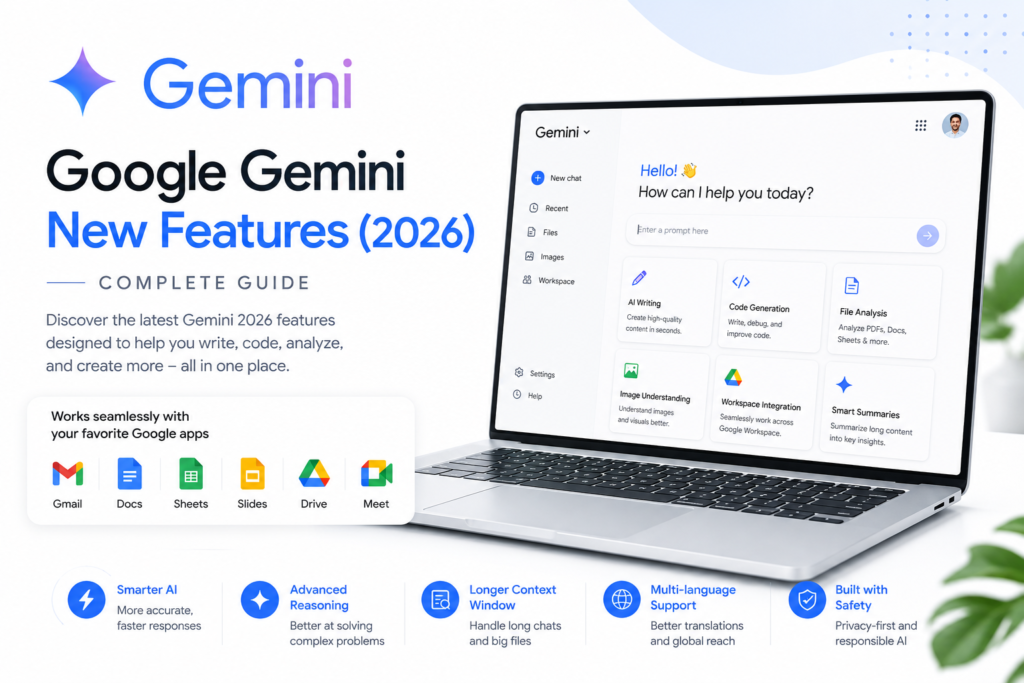
Top new features in 2026
Smarter reasoning
Gemini now breaks complex problems into logical steps before answering. This improves multi-step problem solving like planning a project, explaining technical topics, or comparing options. Instead of short, surface-level replies, you’ll get structured explanations and step-by-step plans you can act on.
Improved writing assistance
Gemini’s writing capabilities have been upgraded. Ask it to draft blog posts, emails, ad copy, product descriptions, or video scripts, and it produces cleaner, more coherent drafts. You can request tone shifts — professional, friendly, or casual — and Gemini preserves intent while adapting voice. For content creators, this speeds up drafts while keeping room for your personal edits.
Stronger coding help
Developers (and beginners) get better support. Gemini writes code, fixes bugs, explains algorithms, and generates SQL queries and API scaffolding. It supports major languages such as Python, JavaScript, Java, C++, Go, Rust, PHP, HTML/CSS, and more. The assistant now reasons about larger codebases and explains fixes in a way that’s easier to apply.
Advanced file analysis
One of the most practical additions is deeper file understanding. Upload PDFs, Word docs, spreadsheets, or presentations and Gemini can summarize, extract key points, answer questions, and highlight trends. That’s a huge time-saver when you’re dealing with long reports, research papers, or data-heavy files.
Image and multimodal understanding
Gemini reads and interprets images: describe photos, read text in screenshots, explain diagrams, or analyze charts. This makes it useful for designers, students, and professionals who work with visual information. Combine text and image inputs for richer queries, like “Improve this slide deck and rewrite speaker notes.”
Tighter Google Workspace integration
Gemini now works more smoothly inside Gmail, Docs, Sheets, Slides, and Drive:
- Gmail: draft emails, summarize threads, suggest replies.
- Docs: brainstorm ideas, edit, and reformat content.
- Sheets: create formulas, summarize data, and propose charts.
- Slides: produce outlines, rewrite slide text, and generate speaker notes.
- Drive: search and surface relevant files quickly.
This reduces context switching and keeps your workflow in one place.
Better research support
First Gemini helps gather, organize, and summarize information from multiple sources. It creates outlines, study notes, and comparison tables, helping researchers and students save hours of manual organization. The assistant is better at citing sources and building coherent, structured summaries.
Longer context window
A larger memory and context window means Gemini can keep track of long conversations and complex projects without losing important details. You can carry on a project across many prompts without repeating background info, which is especially helpful for multi-step tasks like writing a long report or developing a product.
Faster performance
Under-the-hood optimizations make Gemini respond faster, analyze documents more quickly, and deliver coding help with less waiting. For busy professionals, speed matters — it makes the AI feel like a true teammate.
Stronger multilingual support
Gemini supports more languages and provides higher-quality translations and rewrites. You can translate documents, practice languages, or produce localized content. This is valuable for creators and businesses targeting global audiences.
AI-powered idea generation
Need fresh ideas? Gemini can generate YouTube video concepts, blog topic lists, social media campaigns, product names, lesson plans, and more. It’s a brainstorming partner that helps you overcome writer’s block with many starting points to refine.
Practical productivity tools
Gemini helps with everyday tasks: to-do lists, travel planning, schedules, meeting summaries, interview questions, and checklists. These tools are integrated into Workspace, so you can turn AI suggestions into real deliverables quickly.
What this means for you
Increased productivity: Routine tasks like drafting, summarizing, and researching take far less time.
Better content: Writers and creators get polished drafts and idea support, accelerating production.
Improved learning: Students receive structured, step-by-step explanations for complex topics.
Smarter collaboration: Workspace integrations make teamwork smoother, with AI-created summaries and outlines.
Lower friction: Multimodal inputs and longer context reduce the need to repeat yourself.
Limitations and responsible use
Gemini is powerful but not perfect. Key caveats:
- AI can make mistakes; always verify facts, especially in legal, medical, or financial matters.
- Human review is still essential for published content.
- Source transparency matters; for important claims, cross-check references.
- Use responsibly to avoid over-reliance; AI augments rather than replaces human judgment.
Tips to use Gemini effectively
- Be specific with prompts. Clear input yields better output.
- Provide context, especially for ongoing projects.
- Break big tasks into smaller prompts for stepwise progress.
- Use follow-up questions to refine results.
- Proofread and edit AI-generated content before publishing.
- Combine Gemini’s suggestions with your domain knowledge.
Who should use Gemini?
Students: research help, summaries, study plans.
Creators: blog posts, video scripts, SEO ideas, captions.
Developers: code generation, debugging, and explanations.
Businesses: email drafting, meeting summaries, data analysis.
Professionals: report writing, document analysis, presentation prep.
A quick example: From idea to YouTube script
- Ask Gemini for a topic and outline (e.g., “Give me 6 hooks and a 5-part outline for a 6-minute video on low-cost camera setups”).
- Ask it to expand one outline point into a script section with a friendly tone.
- Upload your draft script and ask Gemini to shorten it into a 60-second hook.
- Use Gemini in Docs to polish the final script and in Slides to build a promo slide.
The Future of Gemini
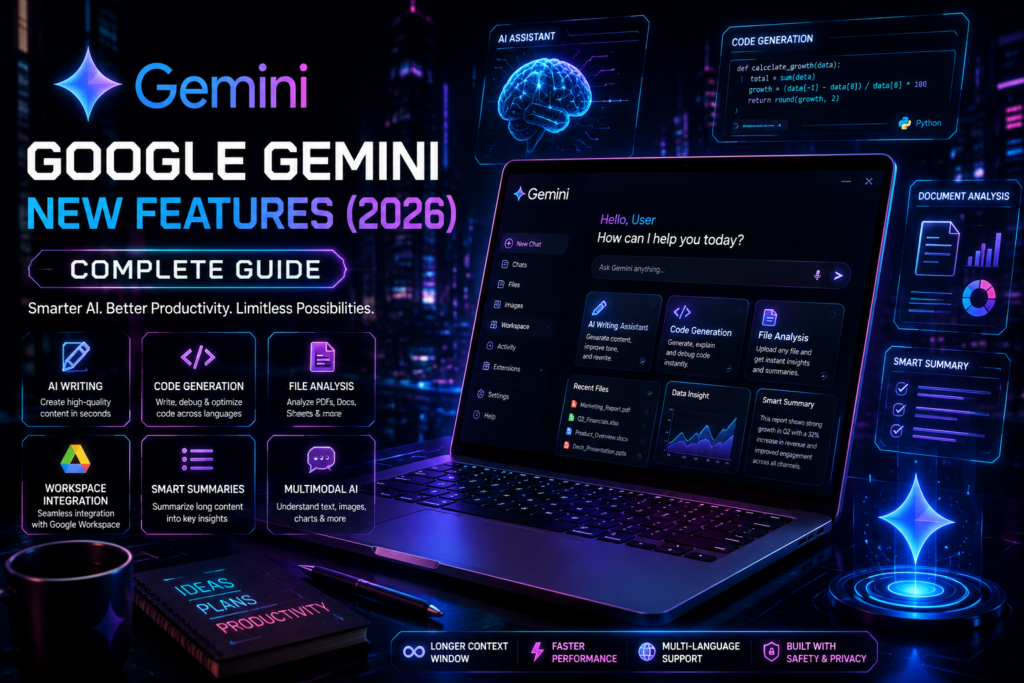
Google will keep improving reasoning, personalization, voice interaction, and multimodal understanding. Expect smarter workflow automation and enterprise features that plug Gemini deeper into business systems. As Gemini improves, the tools will become more adaptive and tailored to individual workflows.
Conclusion
Google Gemini’s 2026 updates move it from a helpful assistant to a versatile productivity platform. With improved reasoning, multimodal understanding, Workspace integration, and faster performance, Gemini can save time across writing, coding, research, design, and daily tasks. But remember: verify important outputs and combine AI suggestions with your own judgment. Used smartly, Gemini is a powerful partner that boosts creativity, productivity, and learning.